
One card. Every connection.
WSAL is a digital business card that lives on your phone and shares in seconds. Recipients do not need an app — they scan, tap, or click, and your contact is saved.
Download now
Why people switch to WSAL
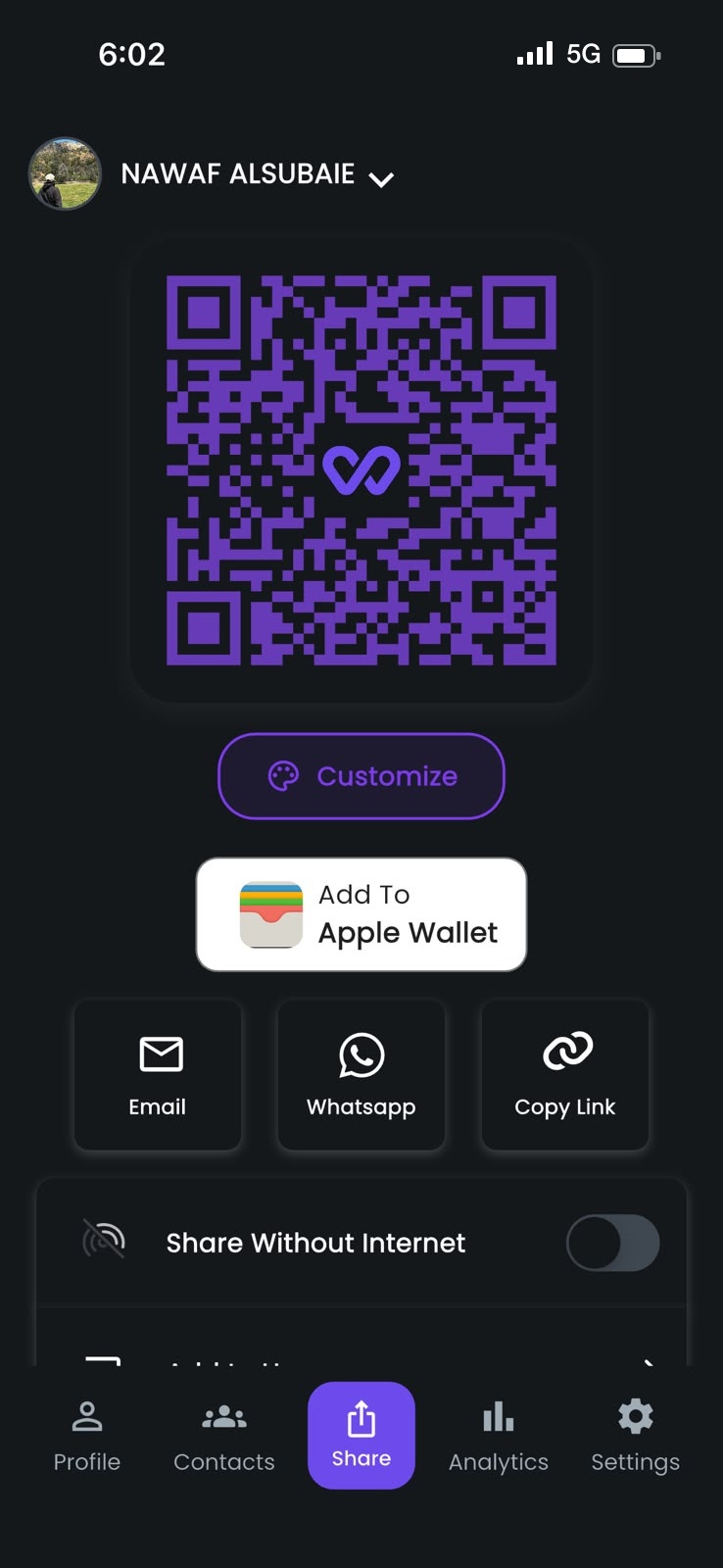
QR code sharing
Instant scan-and-save. Perfect for any situation, online or off.
NFC tap
Tap your physical card to any phone and your profile appears instantly.
Live analytics
Know exactly how many people viewed and saved your contact info.
Apple & Google Wallet
Keep your business card in your mobile wallet for seamless access.
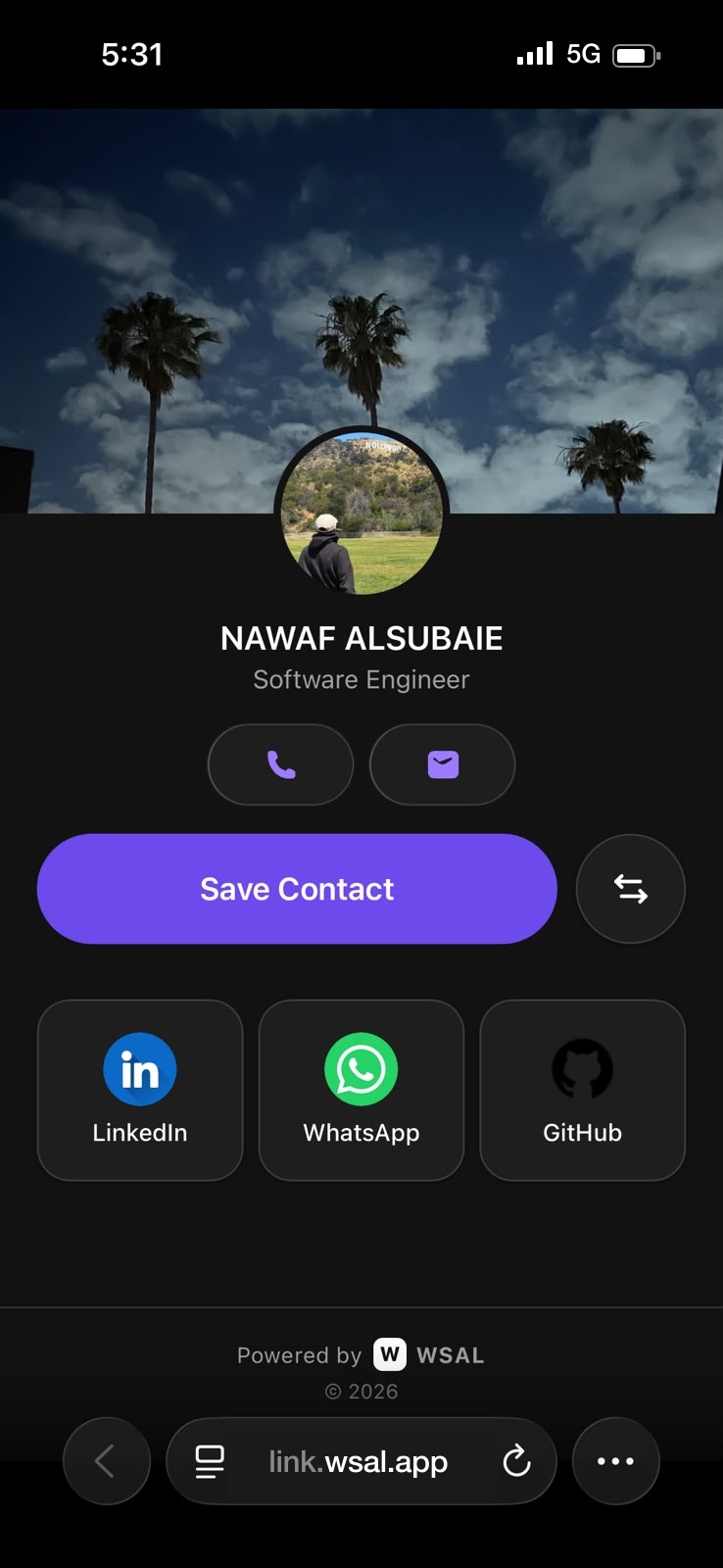
Save Contact
Recipients can save your full profile with a single tap to their contacts.
Multi-Profile
Switch between work and personal profiles seamlessly.
They don't need WSAL to connect
Tap your phone to theirs. Yours runs WSAL — theirs just opens your card in the browser. No app, no sign-up.

The name means connection
WSAL is the English spelling of وِصال — Arabic for connection, the act of reaching out. Our logo draws that idea as one continuous, infinite curve: a good introduction should not end when the conversation does.
Paper cards get lost in pockets and drawers. So we built a card that lives on your phone, updates itself, works in any language, and turns every introduction into a saved contact.
Start free, scale when your team does
- Your digital business card
- Share by QR, link, or NFC
- Unlimited shares and contacts
- English and Arabic card
- Instant edits, always up to date
- Branded card templates for your team
- Central admin for user management
- Sharing and contact analytics
- Single sign-on (SSO)
- Dedicated priority support
Frequently asked questions
You can share your card in three ways: show your QR code for others to scan, send your direct profile link via any messaging app, or tap phones using NFC. All options are available from the Share tab at the bottom of the screen.
Only the information you choose to add to your profile is visible to others. Your profile is accessible to anyone who scans your QR code or opens your direct link. You are in full control of what you display — you can update or remove any field at any time from your profile settings.
Go to Settings → Delete Account. You will be asked to confirm before anything is removed. Once confirmed, your profile and all personal data will be permanently deleted from our servers within 30 days. This action cannot be undone.
Camera access is used exclusively to scan other users' QR codes. The camera is only activated when you initiate a scan. No photos or videos are captured, saved, or uploaded by the app at any point.
Tap the Profile tab at the bottom of the screen, then tap Edit. You can update your name, photo, job title, company, contact details, and social links. Changes are saved instantly and your shared card will reflect them immediately.